01
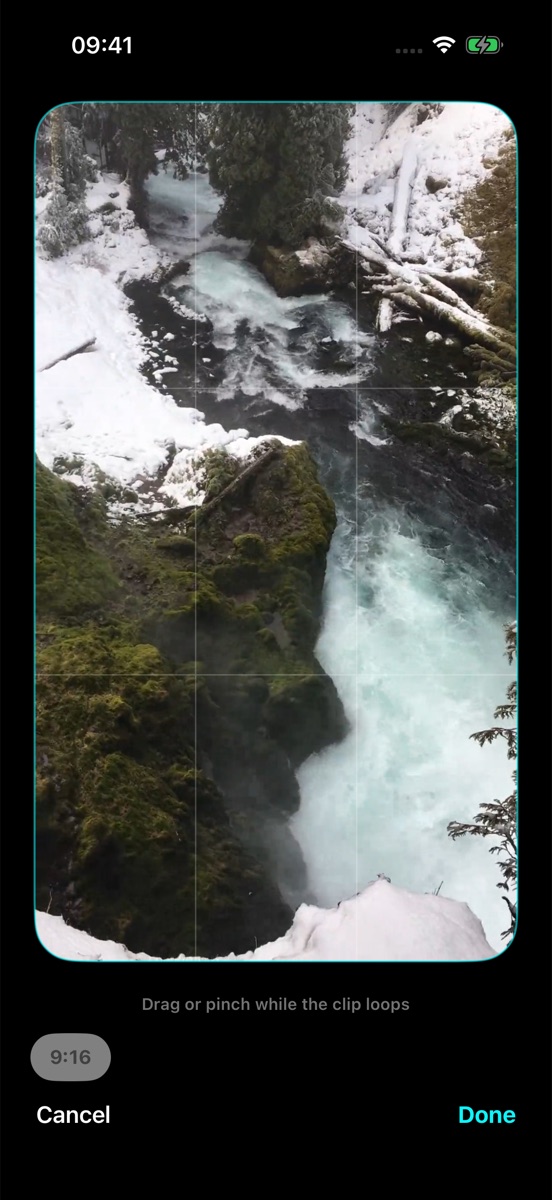
Choose the frame
Bring a video from your Photos library. Crop the part you want to keep.
VIDEO TO LIVE PHOTO · FOR IPHONE
Turn a video you love into a Live Photo. Choose your frame, keep the best moment, and preview it before saving.
iOS 17 or later. Availability, download price and in-app purchases are shown in the App Store.
A few simple edits turn your own footage into something personal. No need to build a wallpaper from scratch.
Bring a video from your Photos library. Crop the part you want to keep.
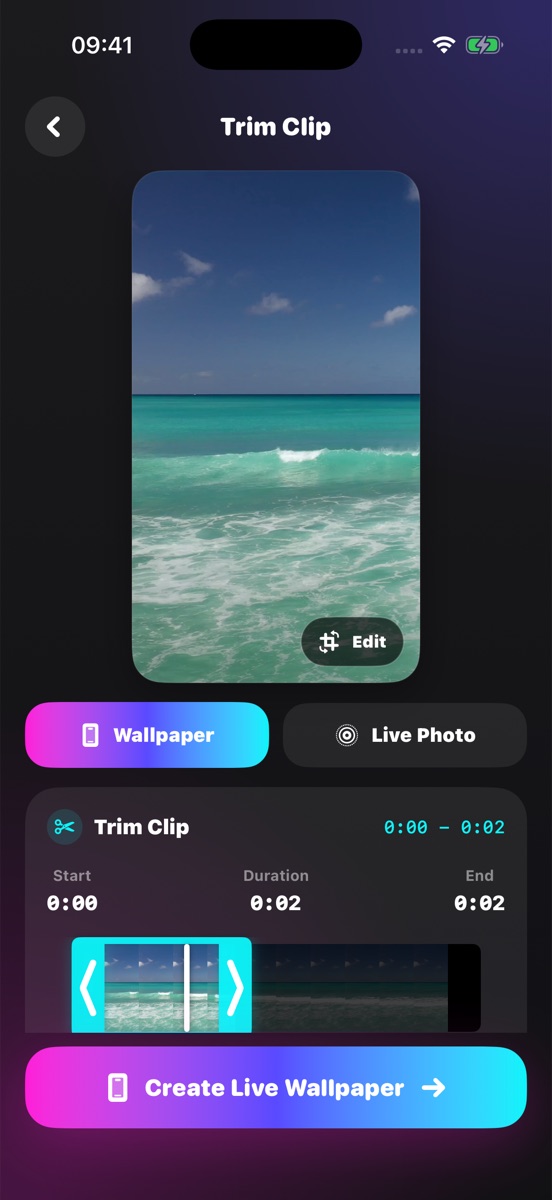
Trim a short, clear movement. Preview your selection as you edit.
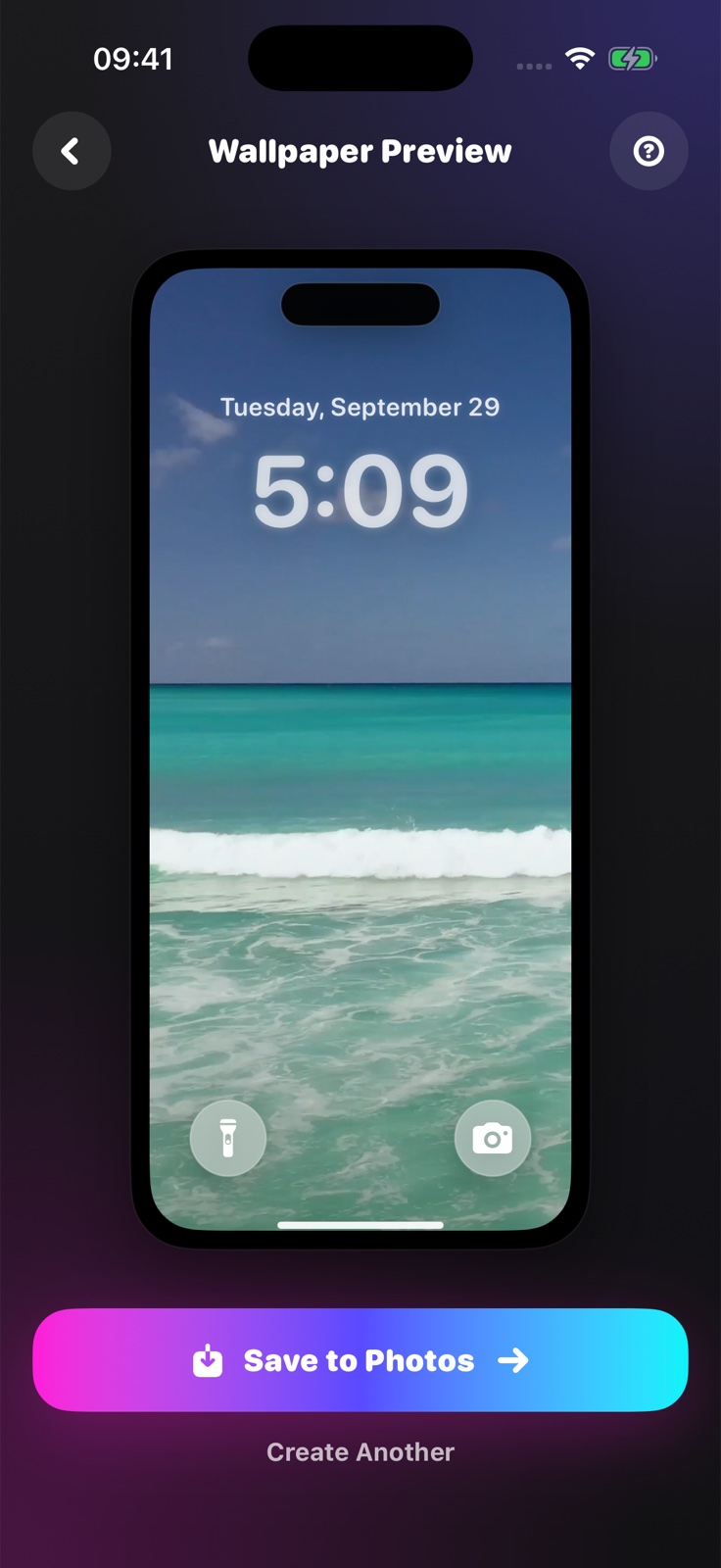
Save the Live Photo, then set it as your Lock Screen wallpaper in iOS.
Screenshots show version 2.0.1. Lock Screen motion depends on your iPhone, iOS version and source video; an in-app preview does not guarantee identical system playback.
MADE FROM YOUR MOMENTS
In version 2.0.1, the core conversion runs on your device. Your source videos and generated Live Photos are not uploaded to our servers for this process.
Read the privacy policy